

How UPS Systems Support Data Center Redundancy
Power loss is still the main reason data centers go down, and the cost can hit $5,600 per minute. If I had to sum this up in one line, it’s this: UPS redundancy works only when capacity, power paths, batteries, transfer timing, and maintenance all line up.
Here’s the plain-English version:
- A UPS bridges the gap when utility power drops and the generator is still starting.
-
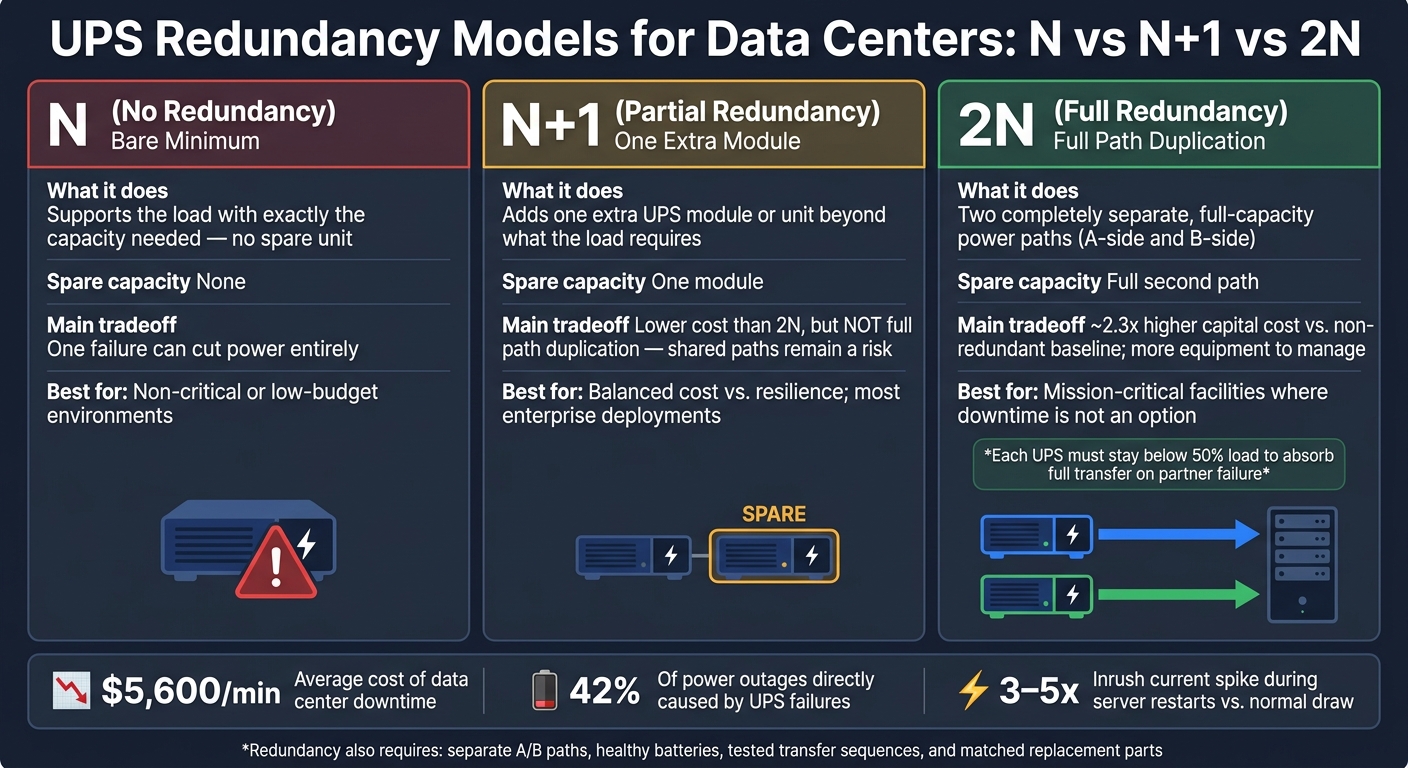
N, N+1, and 2N are not the same thing:
- N = no spare capacity
- N+1 = one extra UPS module or unit
- 2N = two separate full power paths
- A redundant UPS setup can still fail if both feeds share the same breaker, panel, bypass path, or PDU.
- Battery aging, heat, and load growth can shrink your safety margin over time.
- Generator transfer testing matters because a design on paper does not prove the full chain will hold the load during an outage.
- Modular, centralized, and rack-level UPS designs each change fault isolation, service effort, and room to grow.
- Parts sourcing also matters because a redundant design is only as good as your ability to replace modules, batteries, breakers, and switchgear fast.
Here’s the short takeaway: if you want redundancy that holds up under failure, you need separate A/B paths, enough headroom, healthy batteries, tested transfer sequences, and matched replacement parts.
UPS Redundancy Models: N vs N+1 vs 2N Compared
Quick Comparison
| Model | What it does | Main tradeoff |
|---|---|---|
| N | Supports the load with no spare unit | One failure can cut power |
| N+1 | Adds one extra UPS module or unit | Lower cost than 2N, but not full path duplication |
| 2N | Uses two separate full-capacity power paths | Higher upfront cost and more equipment |
That’s the core idea behind UPS support for data center redundancy: it’s not just backup power - it’s fault isolation across the whole power chain.
sbb-itb-501186b
Common Power Problems That Put Uptime at Risk
Shared distribution paths can wipe out redundancy in a hurry. A UPS might look redundant on paper, but both feeds can still go down if they run through the same upstream breaker or panel. That’s the trap: the issue isn’t only UPS capacity. It’s whether each upstream and downstream path stays separate when something fails.
Single Points of Failure in UPS and Distribution Design
In many single-frame UPS setups, routine service means shifting power to a maintenance bypass. When that happens, the critical load is no longer shielded by the UPS and is left on raw utility power.
That matters because UPS failures still make up a big chunk of power-related outages. So redundancy can’t stop at the UPS itself. It also has to cover the bypass path.
Inrush current is another problem that gets missed. During server restarts, equipment can pull 3–5x its normal operating current. If the UPS is undersized, it may trip overcurrent protection at the exact moment the load is trying to come back online.
And even if the design looks solid, battery wear and load creep can eat into the safety margin over time.
Battery Degradation, Load Growth, and Maintenance Downtime
Battery aging and temperature swings cut into UPS runtime. Every 10°C (18°F) rise above 25°C (77°F) cuts the service life of VRLA batteries by about half. If the design margin is too thin, the system may no longer deliver the runtime needed during an outage.
Load growth can chip away at redundancy just as fast. A site running at 60% UPS capacity can climb to 85% within 18 months as high-density workloads come online. In a 2N setup, each UPS unit has to stay below 50% load so it can take the full transfer if the other unit fails. Go past that line, and a partner failure can put the load at risk.
There’s another catch. When one feed fails, dual-PSU equipment can increase power draw by 2% to 10% per rack. That bump may not sound huge, but on a UPS that’s already under strain, it can be enough to push things too close to the edge.
If the UPS can hold the load, the next test is the handoff to generator power.
Generator Transfer and Power Quality Challenges
Trouble usually shows up in a few places: UPS runtime is too short, the generator is too small for the inrush current from IT and cooling systems restarting at the same time, or the UPS and generator were never tested together under live load conditions.
Generator testing can create its own problem too. Running generators below 30% load during tests can lead to wet stacking, which causes carbon buildup and cuts long-term reliability.
For larger facilities, 12-pulse rectifiers are a better fit for generator-backed systems than 6-pulse versions. They can cut harmonic distortion by more than half.
UPS Configurations That Address Redundancy Problems
At the core, these risks point to one problem: the power path can't lose a part and still keep the load running. UPS architecture deals with that by using a topology that contains faults instead of letting them ripple across the system.
How N+1 and 2N Architectures Reduce Failure Risk
N+1 adds one spare module beyond what the load needs. That extra module covers a single failure or a maintenance event without cutting power to IT equipment. 2N goes further by duplicating the full A and B power paths, so if one side fails, the other side keeps carrying the load.
Use 2N when downtime isn't an option. Use N+1 when you need a solid balance between resilience and cost.
Once the topology is set, modular UPS units add another layer that makes service easier.
Modular UPS Systems for Scalable, Concurrently Maintainable Capacity
Modular UPS systems deal with two common issues: load matching and concurrent maintenance. Teams can add capacity as demand grows, and they can swap failed power modules or battery drawers without shifting the load to maintenance bypass. Legrand notes that "Uninterruptible Power Supply failures remain the leading cause of data center downtime worldwide". If you remove maintenance bypass as a single point of failure, that's a direct gain for redundancy.
Centralized vs. Distributed UPS Design
Centralized UPS systems are easier to manage, but a failure can hit a much larger load zone. Distributed UPS units keep the impact tighter, often down to a rack or row, but they also add more batteries and more devices that need service.
Here's the trade-off:
| Architecture Type | Supported Redundancy Model | Blast Radius | Scalability | Service Burden |
|---|---|---|---|---|
| Centralized | N+1, 2N | Facility-wide or large zone | Large increments; requires space planning | Centralized; requires specialized technicians |
| Distributed (Rack-level) | N, N+1 | Isolated to a single rack or row | Highly granular; pay-as-you-grow | Simple; often hot-swappable by IT staff |
| Modular (Integrated) | N+1 | Isolated to module failure | High; add modules to existing chassis | Simple; hot-swappable modules |
For edge sites and smaller deployments, distributed or modular systems often make more sense. Hot-swap parts let less-specialized staff handle repairs fast, which can help cut mean time to repair in remote locations. But architecture on paper isn't enough. Batteries, transfer sequences, and maintenance steps all have to keep that separation intact in day-to-day use.
Operating and Maintaining UPS Systems for High Availability
Architecture choices only hold up when daily operations do their job. A 2N design can look great on a diagram, but if the batteries are weak or the generator transfer sequence hasn’t been tested, that extra redundancy won’t save you. The whole chain has to work together: UPS, batteries, switchgear, and generator interfaces.
That’s the key idea here. Redundancy only works when batteries, bypass paths, and transfer gear keep A and B feeds separate and working as planned.
Battery Monitoring, Runtime Planning, and Capacity Margins
Batteries are often the weak point in the power chain. Outage reports have found that 42% of power-related outages are directly caused by UPS failures. That number alone is a good reminder that battery health can’t be treated as a side task.
A Battery Management System (BMS) gives teams real-time visibility into cell health, temperature, and charge level. That helps spot trouble before it shows up during a live outage.
A few operating targets matter a lot here:
- Keep battery rooms at 65–77°F to protect runtime margins.
- Generator-backed sites usually target 10–20 minutes of autonomy, while remote sites may need 4–8 hours.
- Size by real kW, not just nameplate kVA. For example, a 100 kVA UPS with a 0.8 power factor supports only 80 kW of real load.
That last point trips people up all the time. On paper, 100 kVA may sound like plenty. In practice, the load cares about usable kW.
Testing Transfer Sequences and Maintenance Procedures
Scheduled testing is what separates a redundant design from one that only looks good on paper. Annual load bank testing at 50–100% of rated load checks actual battery capacity and confirms that generators can handle the inrush current from cooling and IT systems restarting at the same time.
Transfer testing also needs to be realistic. Don’t stop at a no-load generator start. Simulate a full utility loss and confirm that ATS transfer finishes before battery autonomy runs out. The UPS also needs to absorb the handoff cleanly.
Maintenance can quietly break redundancy if teams aren’t careful. External maintenance bypass switches let technicians isolate a UPS module for service without exposing the critical load to unprotected utility power. Before any maintenance window, verify that A and B paths stay fully isolated. Shared dependencies that no one documented are a common reason redundant designs fail when they’re needed most.
Design and Operations Checklist for Redundancy
| Practice | Problem It Solves |
|---|---|
| Battery Monitoring (BMS) | Detects cell failure or thermal runaway before the string fails during an outage |
| Temperature Control (65–77°F) | Preserves VRLA service life; prevents premature capacity loss |
| Load Forecasting | Prevents UPS or breaker trips from unexpected load spikes or growth |
| Annual Load Bank Testing | Validates real battery capacity and generator inrush handling under actual load |
| Transfer Sequence Testing | Confirms the transfer completes within the battery autonomy window |
| External Bypass Switches | Allows UPS isolation for repair without switching the load to unprotected utility power |
| Scheduled Battery Replacement | Replaces VRLA strings one year before rated end-of-life to avoid failure during an event |
These operating requirements also shape what spare modules, batteries, and replacement parts teams should keep on hand.
Sourcing UPS and Power Distribution Equipment for Redundant Data Centers
After architecture and maintenance planning, sourcing is the last step that keeps redundancy usable day to day. You can design and test a solid setup, but one question still decides how dependable it is in practice: can you get the right replacement and expansion parts when you need them?
Redundancy only works when the equipment matches the design.
Equipment Categories That Support Redundant Power Paths
The main equipment is largely the same across N+1, 2N, and modular setups. In practice, these are the parts that often decide whether a redundant design performs as expected in the field.
| Equipment Category | Role in Redundant Design |
|---|---|
| Double-conversion UPS units/modules | Core hardware for redundant A/B paths |
| Battery systems (VRLA or Li-ion) | Provide ride-through during transfers; lithium-ion batteries handle high transient loads well |
| Static Transfer Switches (STS) | Transfer loads between A and B UPS outputs in under 4 milliseconds in 2N designs |
| Automatic Transfer Switches (ATS) | Coordinate utility-to-generator transfer in separated power paths |
| Dual-feed PDUs | Deliver separate A and B feeds to rack equipment |
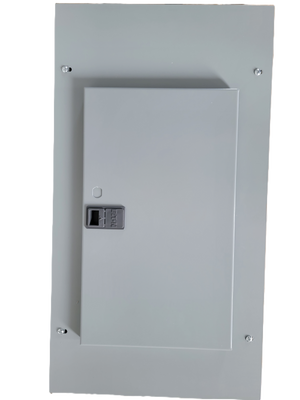
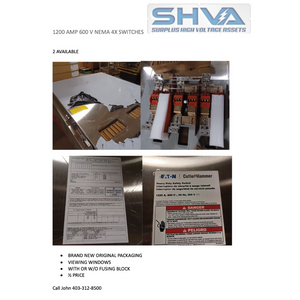
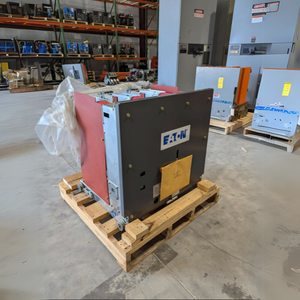
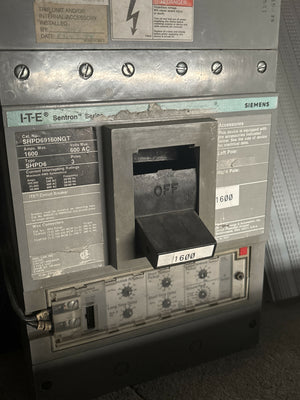
| Switchgear | Isolate and protect each distribution segment |
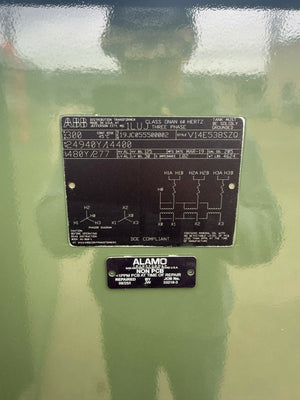
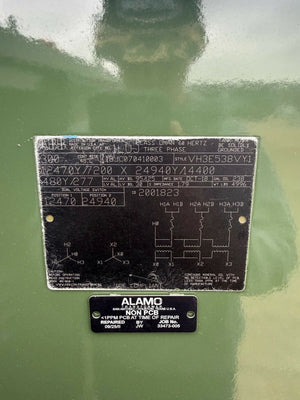
| Transformers | Match voltage between utility, generator, and distribution equipment |
Voltage and phase need to match all the way from UPS output to the PDU and rack strip.
Once those equipment categories are set, procurement turns into a speed and compatibility issue.
How Electrical Trader Can Support Expansion and Replacement Planning
Budget pressure is a plain fact in redundancy projects. A 2N configuration usually costs about 2.3x as much in capital spending as a non-redundant baseline. So getting the right gear at the right price isn't just a buying task. It affects what teams can build, replace, and expand.
Electrical Trader is an online marketplace for new and used electrical components and power distribution equipment. It carries breakers, transformers, low- and high-voltage equipment, and power generation tools. That can make phased upgrades and replacement planning faster to source.
Conclusion: UPS Practices That Directly Protect Data Center Uptime
UPS systems sit at the center of data center redundancy. They bridge outages, condition power, support N+1 or 2N paths, and let teams handle maintenance without exposing the load when batteries and transfer testing are managed the right way. The right sourced parts keep redundant paths available when a module, breaker, battery, or transfer device needs replacement. Redundancy only works when architecture, operations, and sourcing line up.
FAQs
How do I choose between N+1 and 2N?
Choose based on your facility’s risk tolerance, budget, and day-to-day needs.
N+1 adds one spare component beyond base capacity. That makes it a common, lower-cost choice for handling a single hardware failure and covering basic maintenance without disrupting service.
2N duplicates the full power system across two independent paths for full fault tolerance. It delivers higher availability for mission-critical operations, but it also comes with much higher upfront costs and requires dual-corded IT power supplies.
What are the most common hidden single points of failure?
Common hidden single points of failure include:
- ATS units without bypass capability. These make routine maintenance a problem because you can’t service the unit without shutting things down.
- Centralized static switches in UPS designs. If that one piece goes down, it can affect the whole setup.
- Limited external maintenance bypasses. That can leave you stuck running on unprotected utility power during service.
- Poor load management. When loads aren’t balanced well, the system can get overloaded and redundancy starts to fall apart.
Electrical Trader offers power distribution equipment such as breakers and transformers that can help address these weak spots.
How often should UPS batteries and transfer systems be tested?
The sources do not give a set testing schedule for UPS batteries and transfer systems.
What they do make clear is this: limited testing and aging batteries can weaken redundancy. And that matters, because a backup system is only useful if it works the moment power fails.
So while there’s no stated required frequency in the source material, operators should build regular testing and clear documentation into their long-term maintenance plan. That gives teams a better shot at making sure redundant systems perform the way they’re supposed to during an outage.